
Square Box industrial enclosure manufacturing

How to Prepare CAD Files for a Custom Enclosure Quote

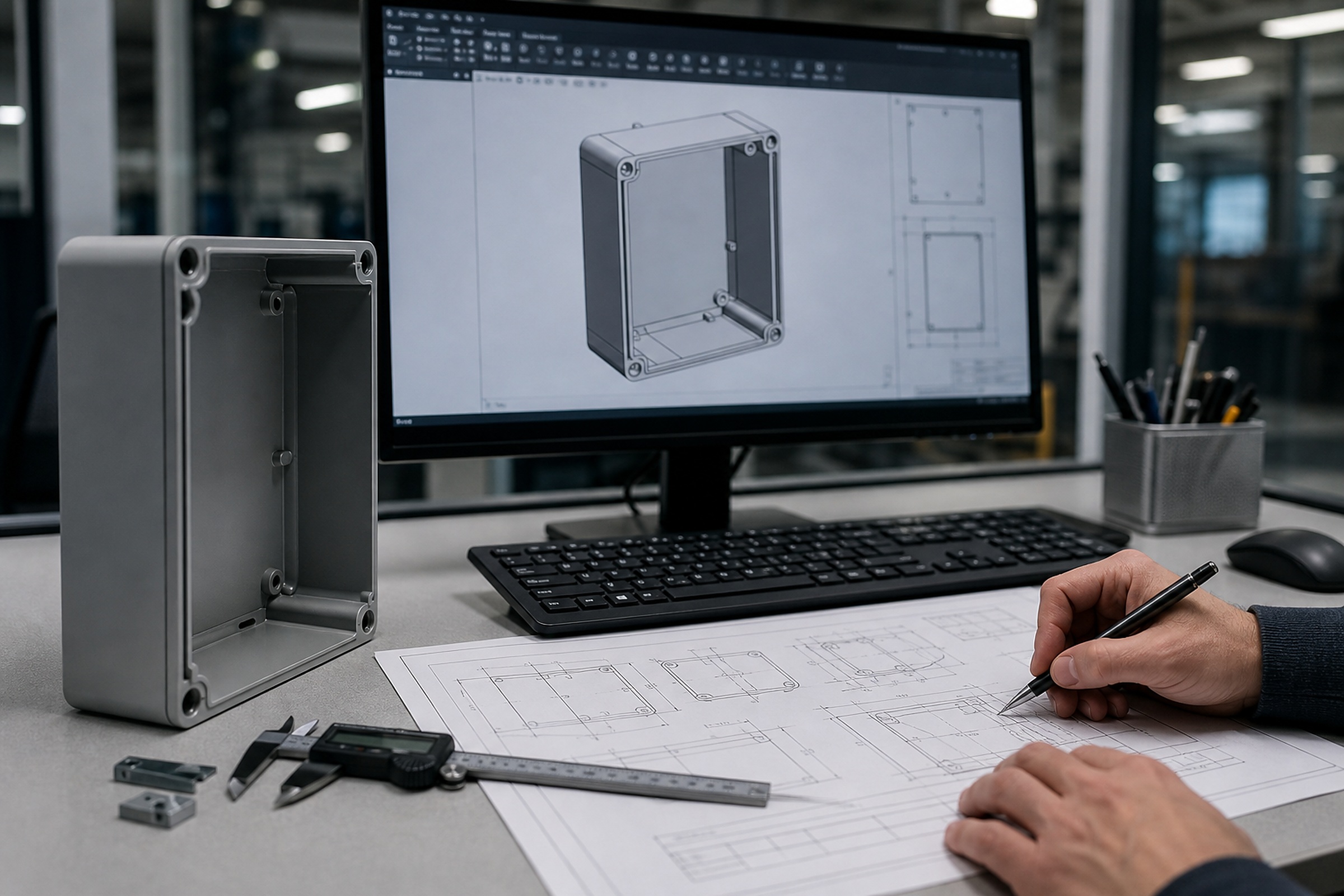
Engineering workstation with CAD enclosure model drawings and measuring tools

A complete CAD package helps engineering review bends, cutouts, hardware fit, mounting plate layout, gasket paths and assembly scope before quote release.

Engineering procurement notes

For drawing-based enclosure projects, quote accuracy depends on more than a 3D model. A strong CAD package should include 3D geometry, flat cut files, marked PDF dimensions, material and finish notes, and any BOM or terminal schedule required for assembly.

Who this is for

  • Engineers preparing enclosure drawings
  • Purchasing teams collecting files from design departments
  • Panel shops quoting repeat control box and back panel work

Typical use cases

  • Sheet metal flat patterns for laser cutting
  • 3D enclosure bodies and cabinet assemblies
  • Marked PDF drawings with critical dimensions
  • Terminal schedules for pre-wired assemblies

Files needed for RFQ

  • STEP / STP
  • DXF / DWG
  • PDF drawing
  • quantity
  • material
  • thickness
  • finish
  • NEMA/IP target
  • shipping ZIP
  • BOM / terminal schedule if required

What Square Box can fabricate / assemble

  • Drawing-based laser cutting and bending
  • Door, cover, gland plate and mounting plate fabrication
  • Hardware, gasket and grounding provisions
  • Customer-approved BOM assembly support

Inspection points

  • cutouts
  • mounting plate
  • gasket path
  • grounding studs
  • terminal layout
  • surface finish
  • packaging photos

Compliance note

Built for NEMA-style and IP-rated applications. Final rating depends on design, materials and testing requirements.

Square Box provides custom enclosure fabrication, component mounting and customer-BOM assembly support. Final electrical listing, field acceptance and project compliance depend on the complete design, selected components, testing and certification requirements.

File package

Which file does what in an enclosure RFQ

Different file types answer different engineering questions. A stronger package reduces assumptions around geometry, flat patterns, hardware and assembly scope.

File typeBest useNotes
STEP/STP3D enclosure geometryInclude doors, plates, brackets
DXF/DWGLaser cutting and hole patternsSeparate flat parts if possible
PDFCritical dimensions and notesMark threaded holes, PEM, studs
BOMComponent layoutNeeded for DIN rail / terminal work
Terminal schedulePre-wired assembliesNeeded for labels and grouping

Internal procurement paths

Related products

Related resources

Prepare a stronger RFQ package

FAQ

How to Prepare CAD Files for a Custom Enclosure Quote FAQ

Do you need both 3D and 2D files?

For most projects, a 3D file helps review geometry while a 2D PDF defines critical dimensions, tolerances, finish, hardware and notes. DXF or DWG flat files help laser cutting and punching review.

Can a marked PDF be used?

A marked PDF can start the review, but quote accuracy improves when it is paired with STEP/STP and DXF/DWG files.

When is a terminal schedule needed?

A terminal schedule is needed when the enclosure includes terminal blocks, wire markers, low-voltage pre-wiring or customer-approved component layout work.

Upload drawings, BOM or a terminal schedule for review.

Send STEP/STP, DXF/DWG, PDF, quantity, material, thickness, finish, NEMA/IP target, shipping ZIP and any BOM or terminal schedule required for assembly.

Upload Drawing for 24h Quote